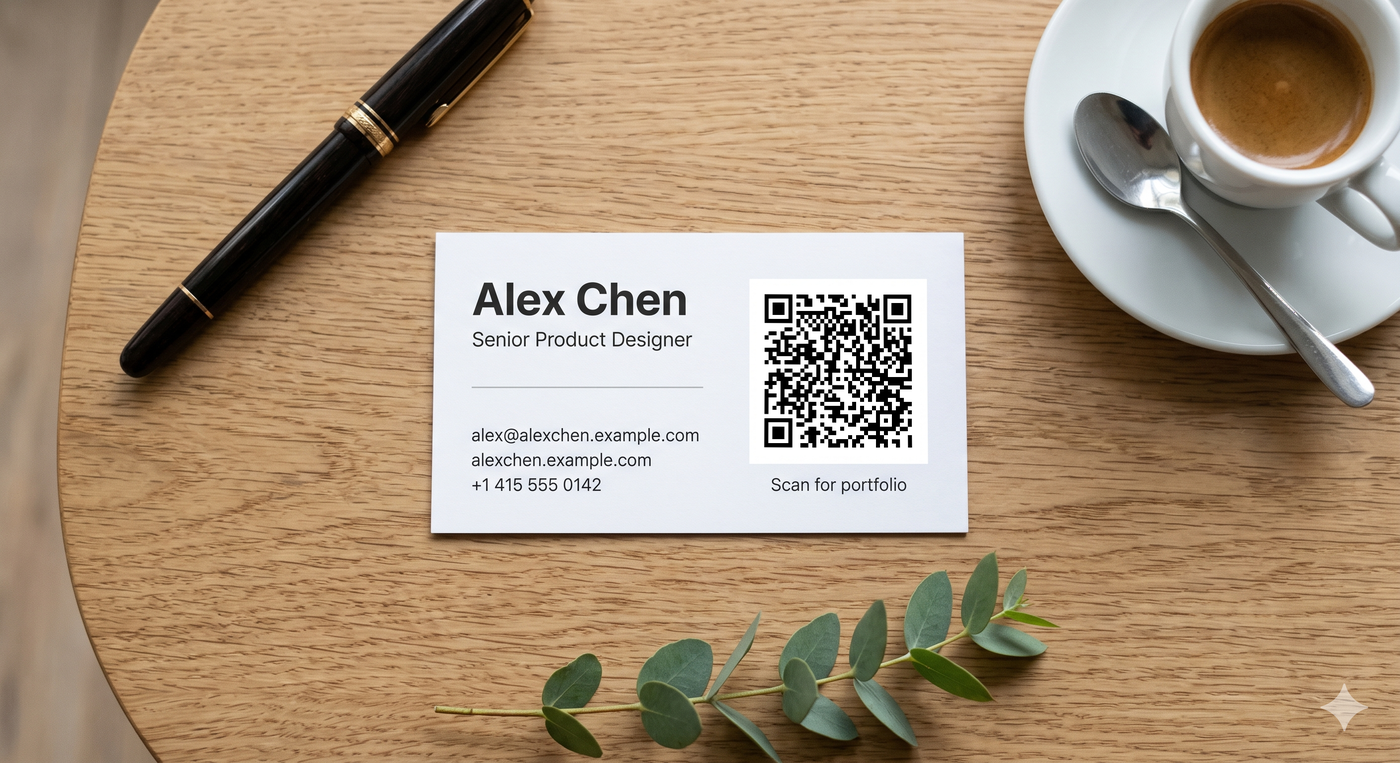
A business card with a QR code in 2026 is the closest thing networking has to a "save to phone" button. Hand it to someone, they point their camera, and within ten seconds they're on your portfolio, your calendar, or your vCard - no typing, no business-card-photo-app, no "what was the URL again?" message a week later. Done well, the QR is the single most useful thing on a business card. Done badly, it sits there looking corporate and never gets scanned.
This guide is about doing it well: what to link to (the five solid options most professionals end up at), how to size and place the code, and the small design choices that determine whether the QR actually gets used or quietly ignored.
The most common mistake on business-card QRs is overthinking destination. A QR linked to "your home page" can be useful or useless depending on what your home page actually does for someone who just met you. Pick the destination by imagining the moment the card gets handed over - what's the next step you want them to take?
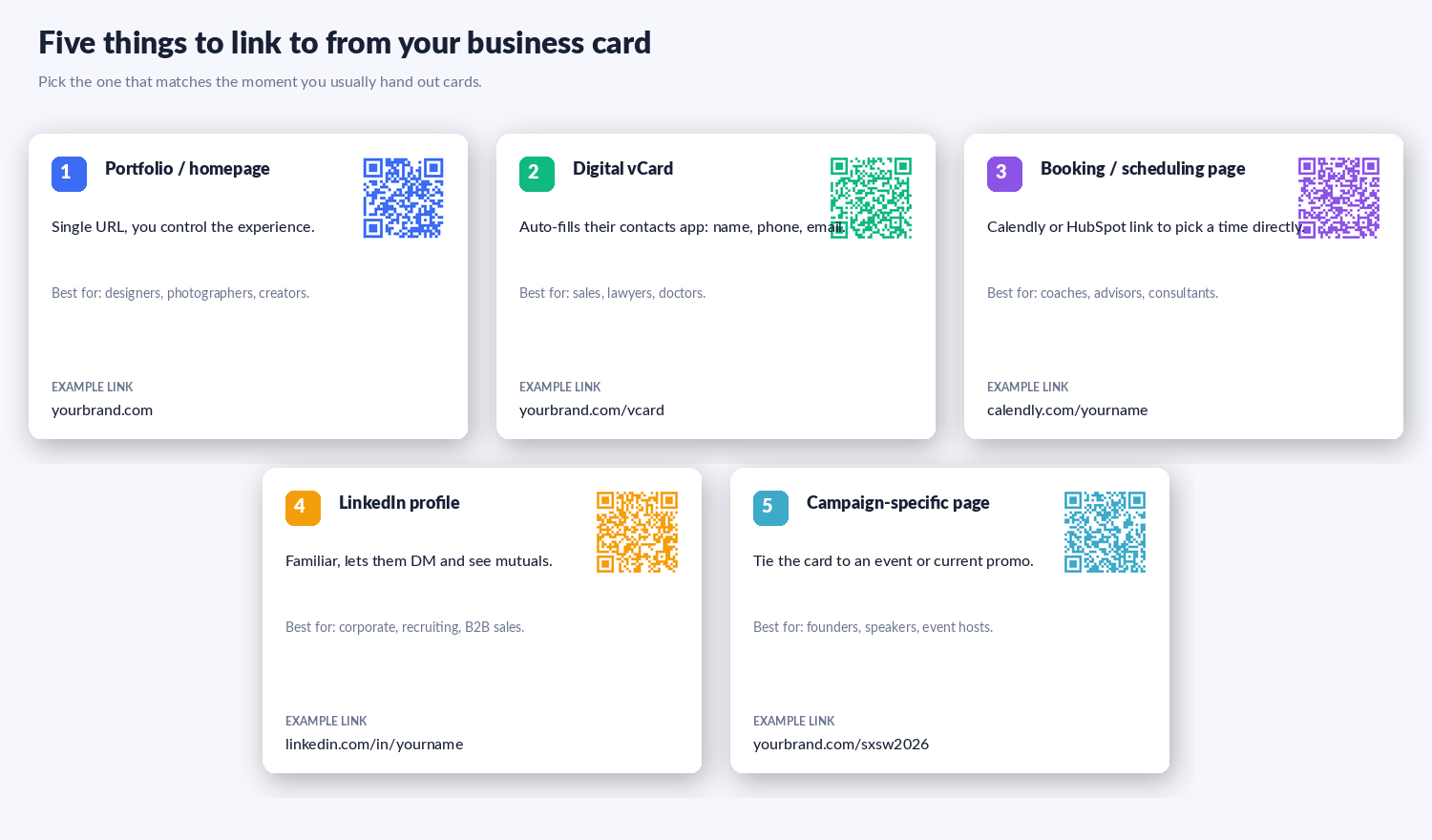
The five options that work for most people, with rough fit:
yourbrand.com/sxsw2026) that opens with "Hi, you met me at SXSW" and the most relevant call to action. Bonus: with a dynamic QR you can track how many scans you got from that event without changing the printed card design.If you're stuck between options, pick a vCard or a campaign-specific landing page first. Both convert reliably: the vCard turns into a contact-added moment, and the campaign page lets you measure whether the cards actually got people through to the call-to-action.
Quick framing:
For business cards specifically, dynamic has one big advantage: if you change companies, switch from "Senior Designer at Company A" to "Founder at Startup B," you can re-point the QR on the cards still in your sock drawer to your new site - without throwing away 200 cards. The trade-off is that dynamic QRs depend on the short-link service. On whew.cc, anonymous dynamic codes expire in 2 weeks, free-account codes hold for 90 days, and paid-plan codes don't expire. For something you'll print at quantity and hand out for a year, the paid plan is the right call.
A standard business card is 85 × 55 mm (3.5 × 2 inches). On a card that size, three placements work:
Three sizing rules that prevent the "won't scan" problem:
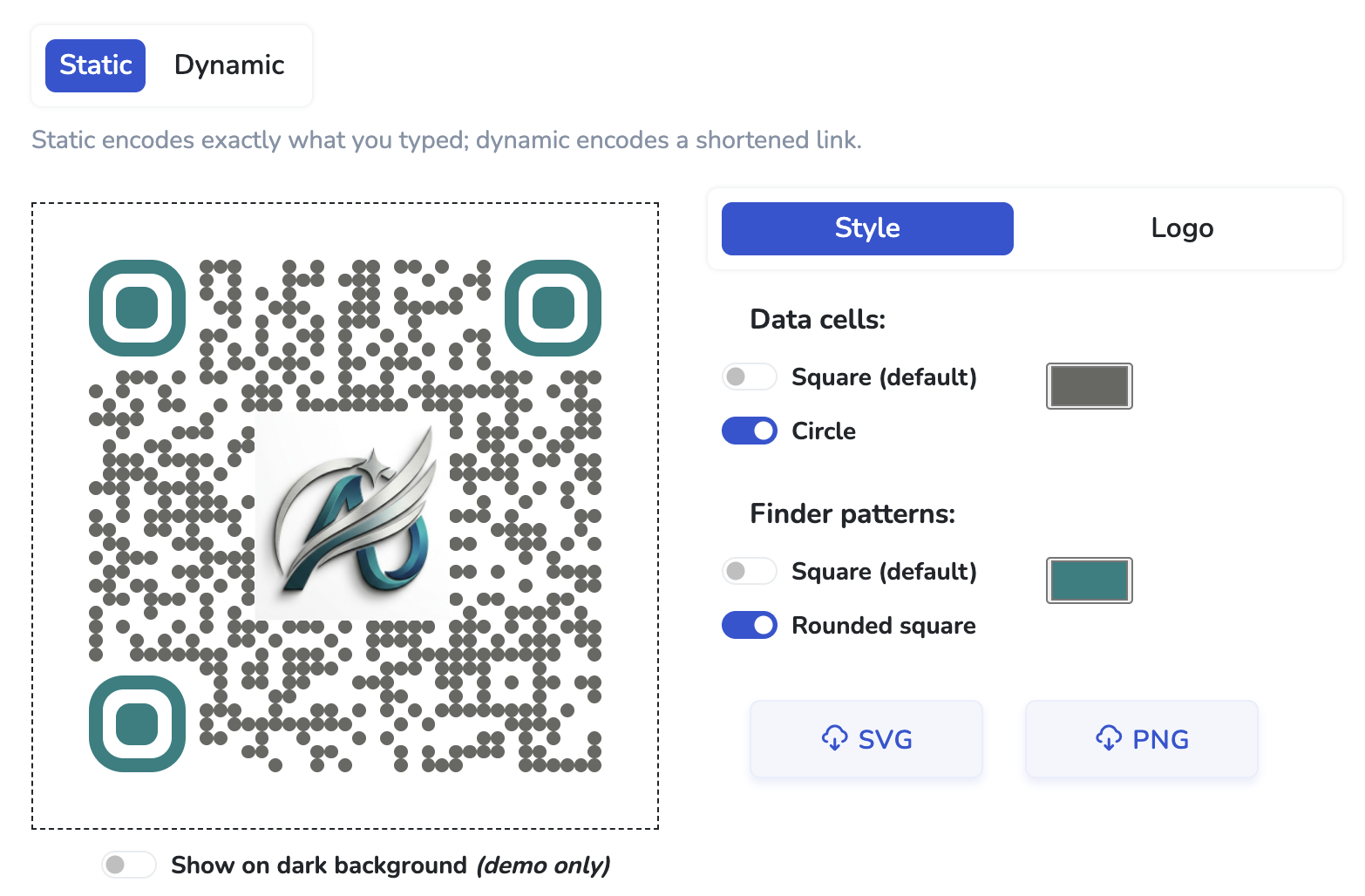
A QR code with your logo in the middle reads as "this is intentional and on-brand" rather than "this is generic." Done well, it raises scan rates because people trust a branded code more than a plain one. We have a full walkthrough in how to add a logo to a QR code (free), including the readability check that catches codes that won't scan reliably before you print 200 cards. The short version:
The QR is doing most of the work, but a couple of small choices around it matter more than the QR itself:
A QR is not always the right addition. Cases where it actively hurts:
Free, no sign-up. SVG export at print quality. Add your logo if you'd like.
yourbrand.com/contact.vcf) and point your QR at it. Most contact-management services (HubSpot, even Google Contacts) can export a vCard for you. Alternatively, "digital business card" platforms like Popl, Mobilo, and HiHello generate vCard-style pages with one click - but if your needs are simple, a self-hosted .vcf is free and works the same way.
?utm_source=card&utm_campaign=sxsw2026) and read it in Google Analytics, Plausible, or your own backend.
Want to go deeper? Read about adding your logo to a QR code, or compare your options in our free QR code generators comparison.
Keep exploring QR codes and short links: