QR codes have quietly become the default bridge between paper and pixel. They’re on menus, business cards, packaging, parking signs, and event posters. So when you need to make one, the last thing you want is to wade through pop-ups, sign-up walls, or hidden fees just to download a PNG.
The good news: in 2026 there are still excellent QR code generators that ask for nothing in return. The slightly-less-good news: they all draw the line in different places, and some of the famous brands have quietly become much less generous than they used to be. This guide compares six of the most popular options, with honest pros and cons, so you can pick the right tool for the job in under a minute.
“Free” is a slippery word in the QR space. Some tools let you generate a code in three clicks but stamp a watermark on it. Others let you create unlimited static codes but lock dynamic codes (the kind you can edit after printing) behind a subscription. A few will let you do almost anything for free until you try to download in a usable resolution.
For this comparison, we judged each tool on five practical questions:
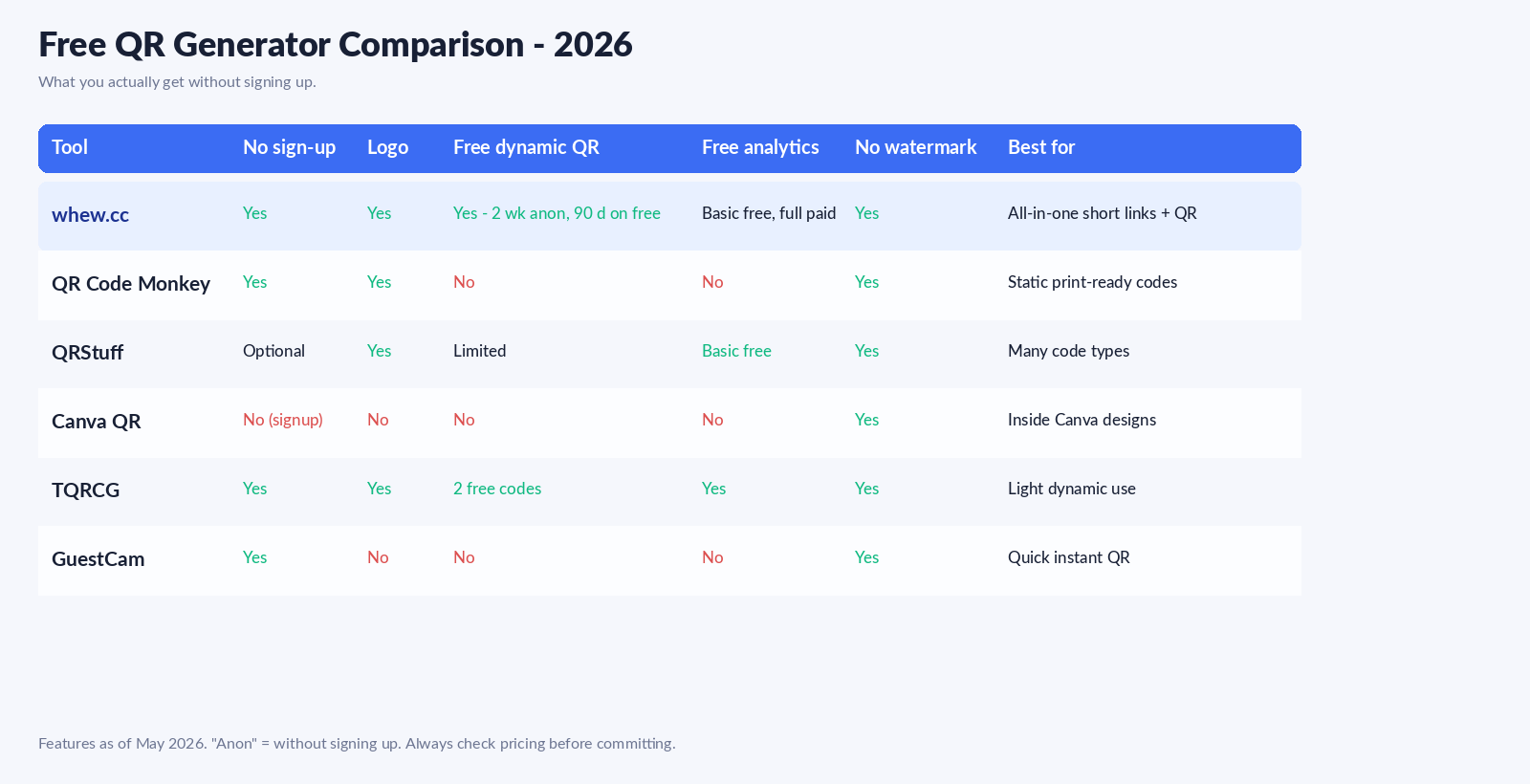
The short version: if you only need a one-off static code, almost any of these tools will work. If you want to track scans, redirect a printed code later, or add a logo without paying, your shortlist gets a lot shorter.
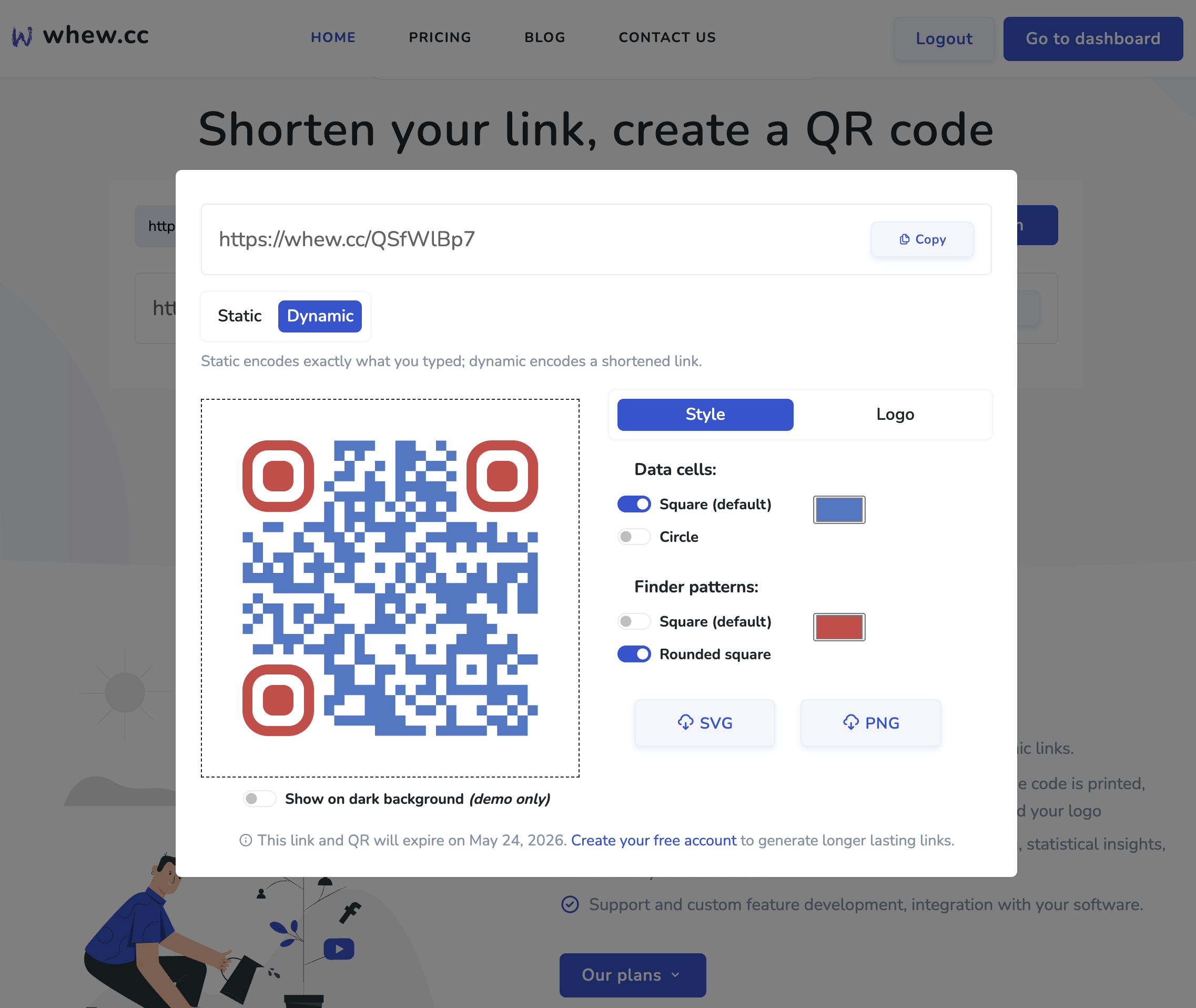
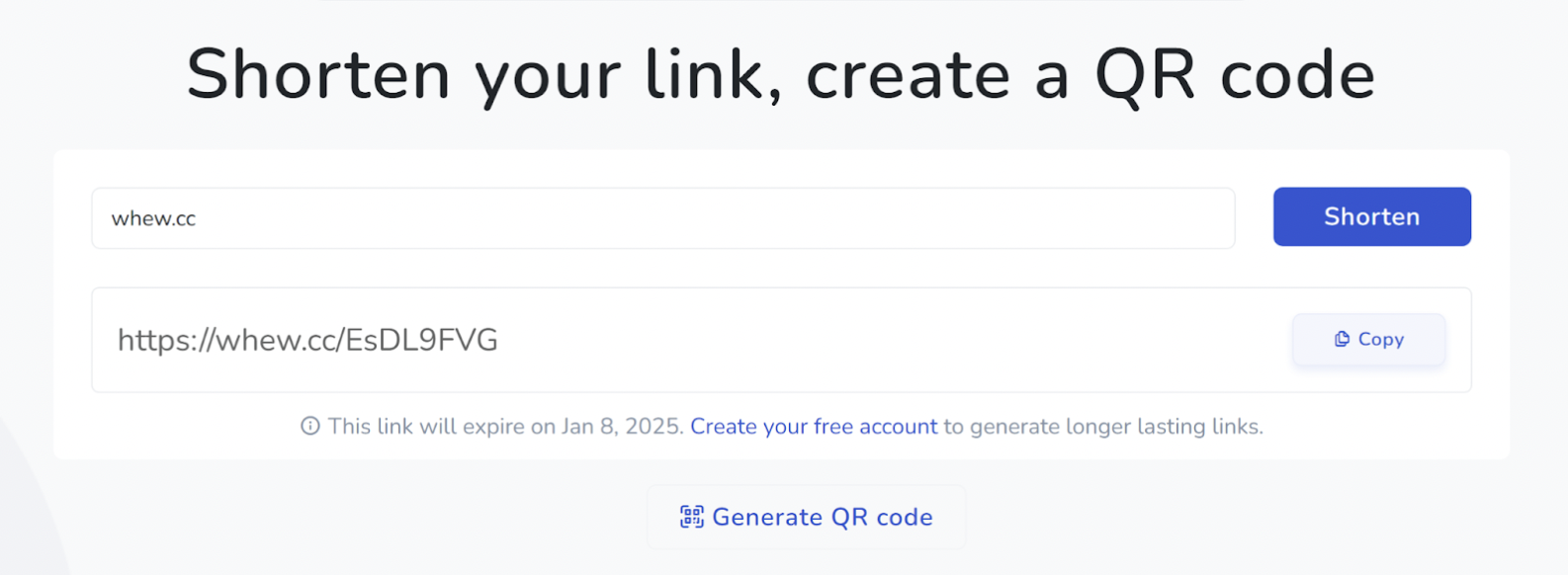
We’ll put our cards on the table: yes, this is our blog. The honest pitch is that whew.cc is the only tool in this list that lets you create both a static QR and a dynamic QR (with a short link behind it) without signing up at all - and without a watermark. Paste a URL, customize the data cells, finder patterns, and colors, optionally add a logo, and download as SVG or PNG in seconds.
Here’s how the tiers actually work in 2026:
That two-week, no-account dynamic QR is the part that’s genuinely unusual - most competitors either lock dynamic QRs behind a sign-up wall or behind a paid plan from minute one. If you want to test what dynamic actually feels like before committing, you can.
Pros: Static QRs without an account. Dynamic QRs without an account (2-week trial). Free logo support. Clean SVG export. Sign-up later and your existing links transfer.
Cons: Anonymous dynamic QRs and short links expire in 2 weeks unless you sign up; free-plan dynamic QRs hold for 90 days. For permanent printed signage, the paid plan is the right call. (We cover the broader expiry question in this article on link expiry.)
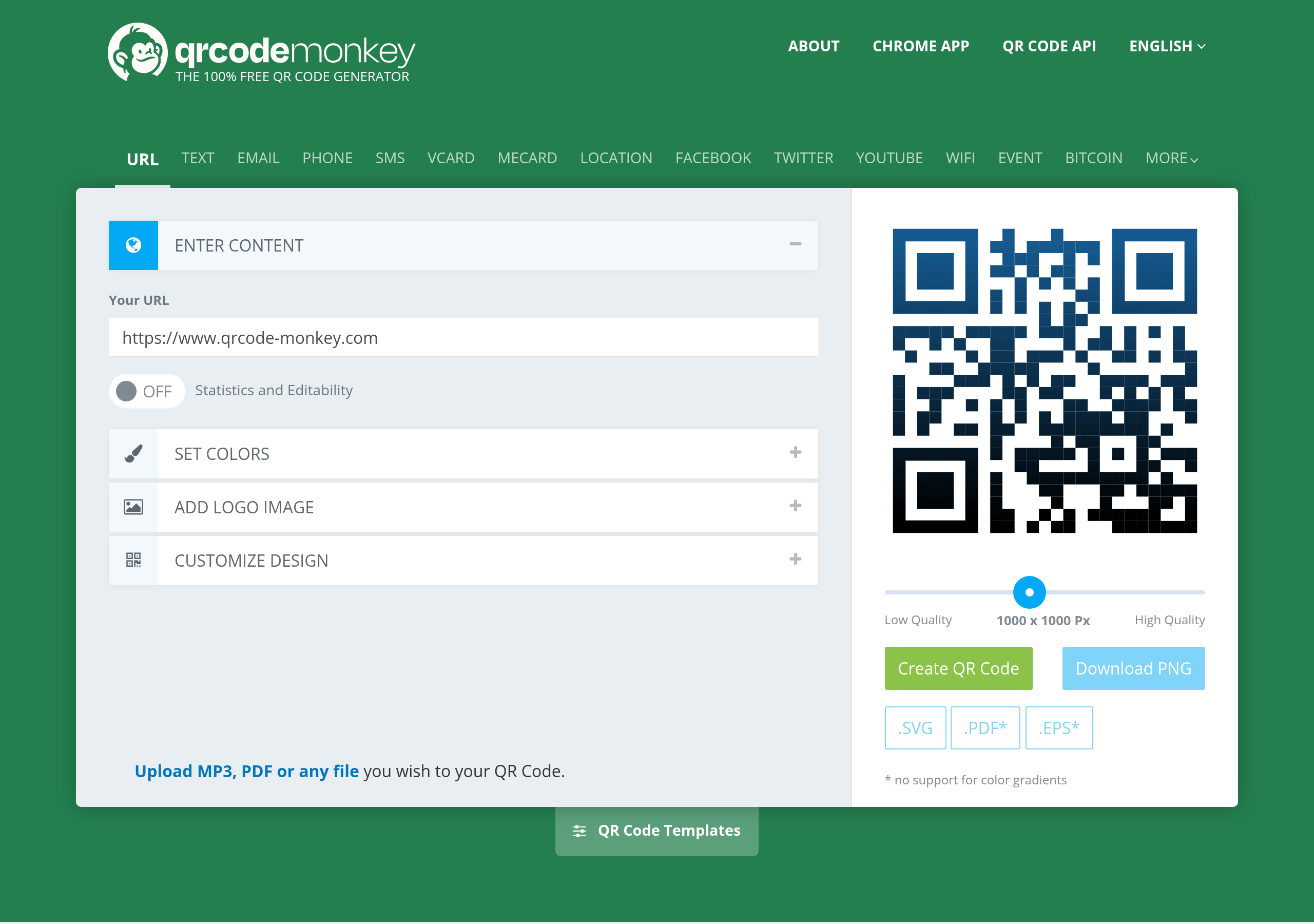
QR Code Monkey is the favorite of designers who care about EPS and PDF exports. It only does static codes, but it does them very well: rich color and gradient options, custom data-cell shapes, logo embedding, and four download formats (PNG, PDF, SVG, EPS).
There are no scan analytics, no editable codes, and no bulk creation, so it’s really a tool for one-off branded codes destined for a printer. If your job is “put a QR on this poster and never touch it again,” it’s hard to do better.
Pros: No account needed. Print-grade vector exports. Best-in-class style customization.
Cons: Static only. No tracking. Slightly cluttered interface.
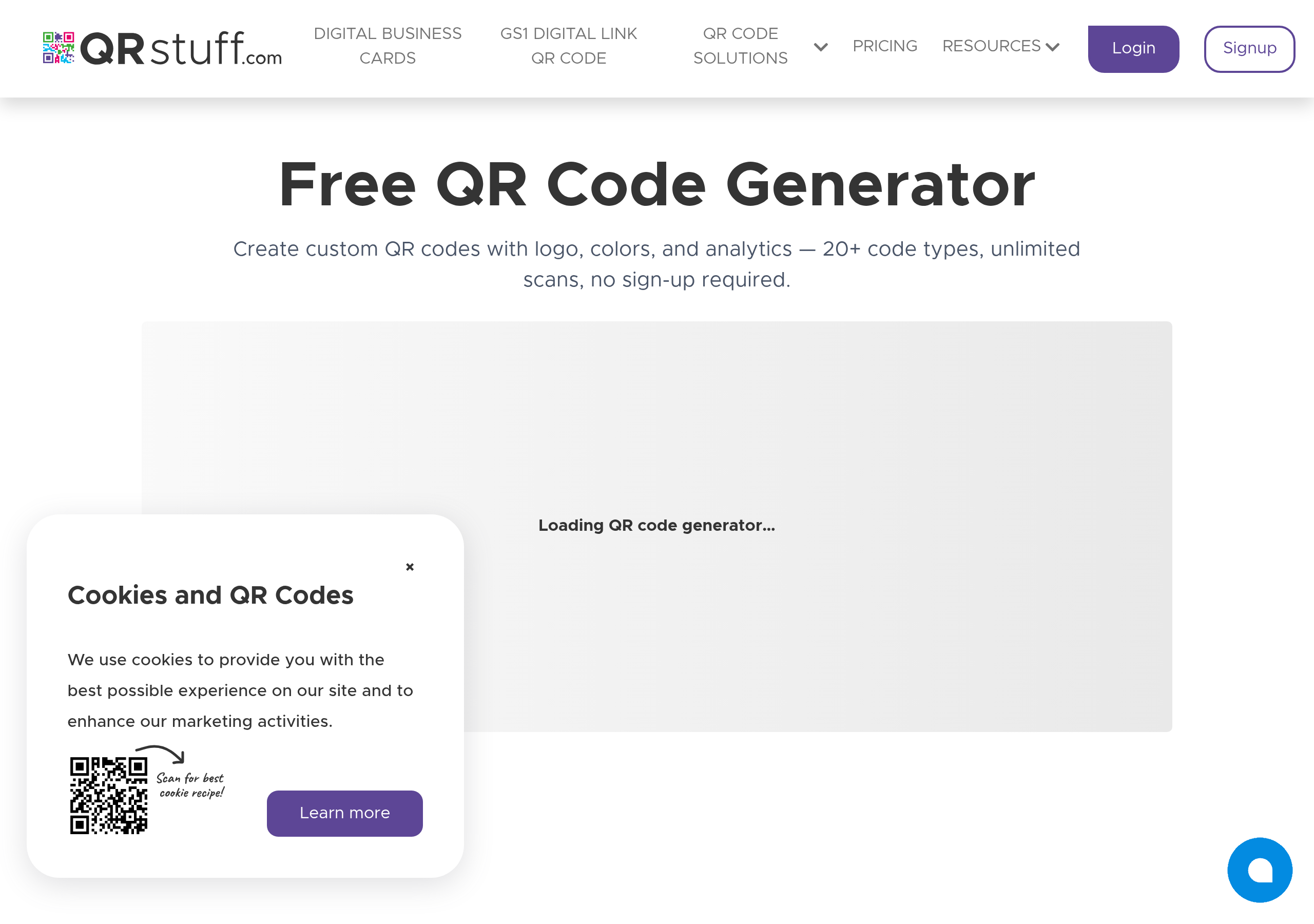
QRStuff has been around forever, and the breadth of code types still makes it useful: Wi-Fi credentials, vCards, SMS, email, PayPal, Bitcoin, app store links, Dropbox files, and roughly 20 more. PNG downloads are free at standard resolution; high-res PNG and vector formats sit behind a paywall, and some types (PDF, image embeds) are paid even at the free tier.
Notably, QRStuff is one of the few free tools that gives you basic scan stats out of the box without forcing an upgrade.
Pros: Huge variety of code types. Basic scan stats free.
Cons: Vector and high-res downloads are paid. UI looks dated.
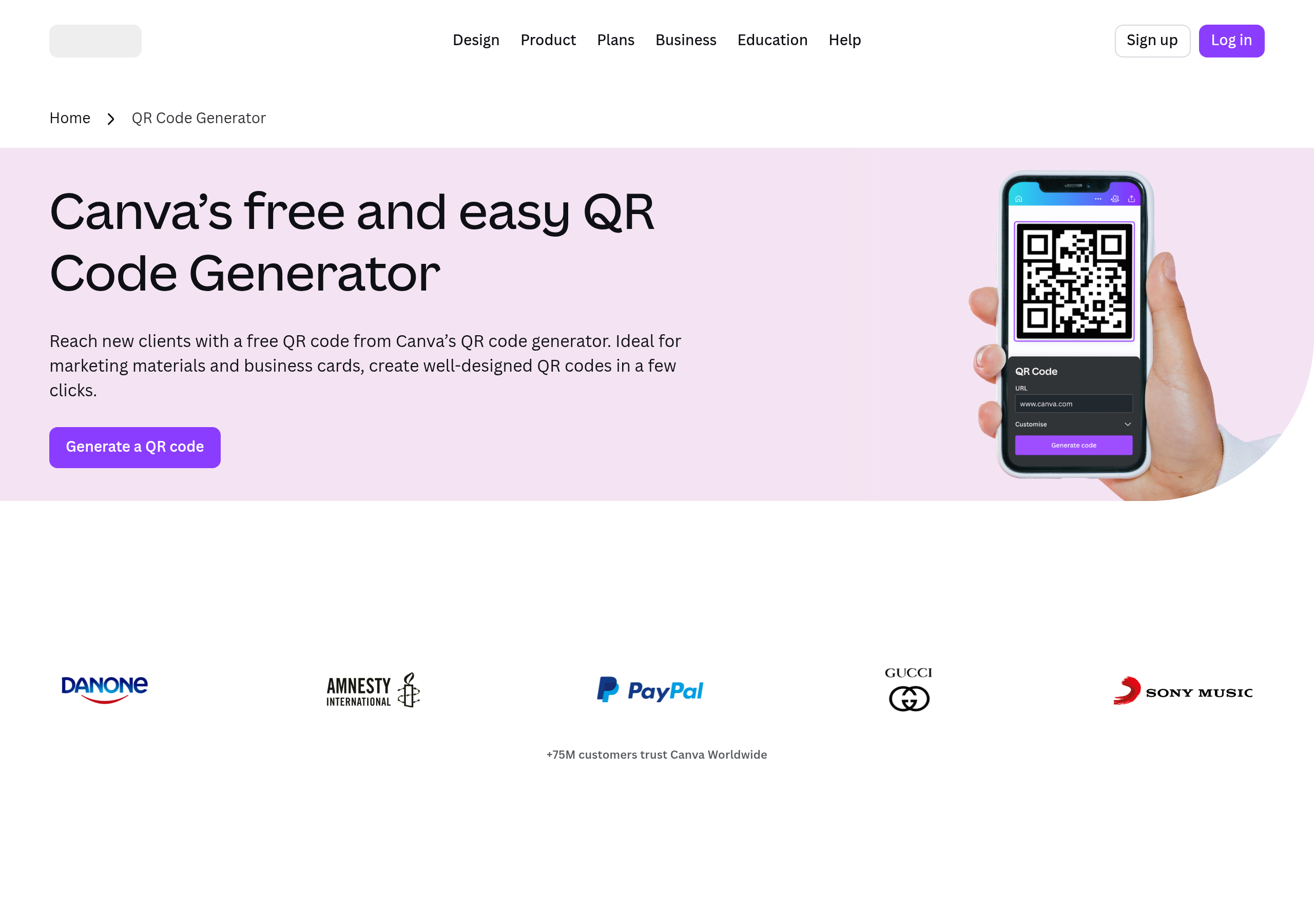
If you already live inside Canva, the built-in QR generator is the fastest way to drop a code into a poster, business card, or social graphic. It only handles URL-based codes, customization is limited to two colors, and there’s no logo support or tracking - but it’s right there in the app, sized perfectly to your design grid.
Pros: Zero context switching if you’re already designing in Canva.
Cons: Requires Canva sign-up. URL only. No logo, no analytics.
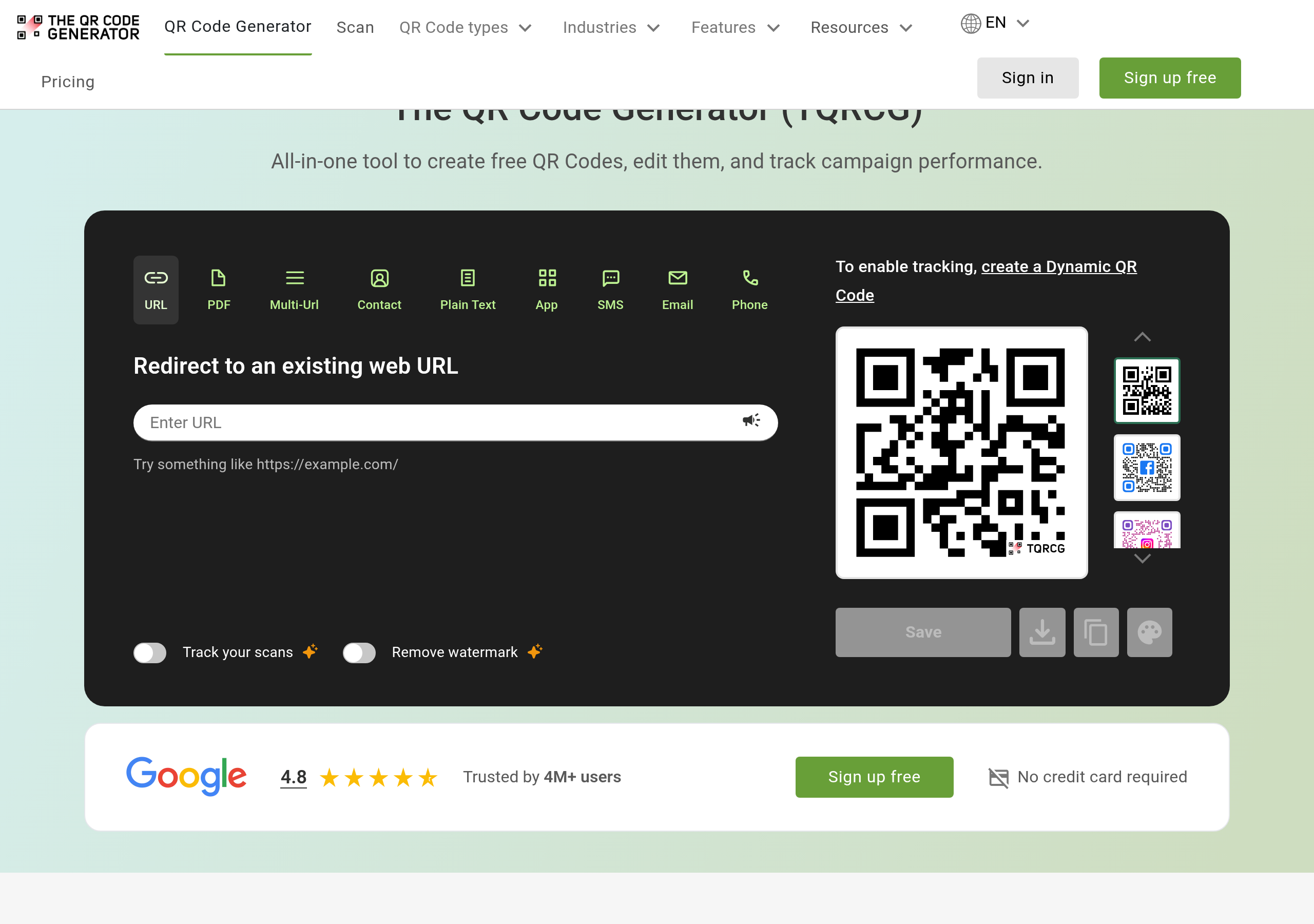
TQRCG’s pitch is unusual: two genuinely free, never-expiring dynamic QR codes, plus unlimited static ones, with no sign-up to start. That’s a real gift if you have one or two long-lived QR codes you might need to update later (for example, a code on packaging that has to redirect after a campaign ends).
Beyond those two free dynamic codes, you’ll need to pay. Customization and code types are flexible, and the editing UI is genuinely friendly.
Pros: Two free dynamic codes is genuinely rare. Easy to use.
Cons: Limited to two free dynamic codes. Some advanced features paywalled.
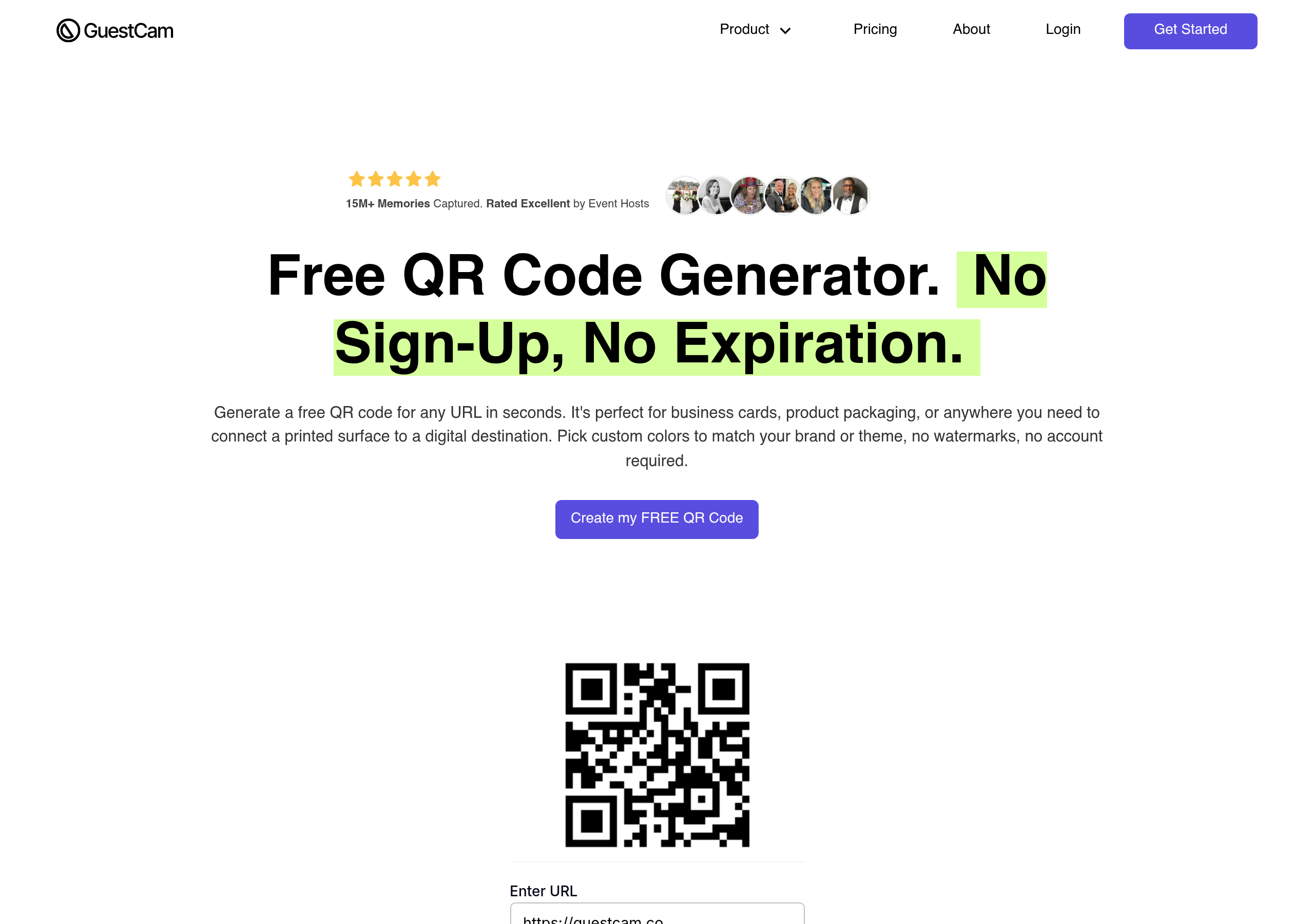
GuestCam’s free QR generator is the most stripped-down on the list, and that’s exactly the point. Paste a URL, click generate, download. No watermark, no account, no upsell mid-flow. It only handles URLs, doesn’t do logos, and has no tracking - but for a one-off it’s often the fastest path from idea to PNG.
Pros: Fast. No account. No watermark.
Cons: URL only. No logo, no tracking, no styling beyond defaults.
A reasonable question, since Bitly is the most-recognized name in the link space. The honest answer in 2026: Bitly’s free QR offering is now too restricted to recommend for most people. The free tier limits monthly link/QR creation, free codes are static, and the better customization and tracking features sit behind paid plans starting around $35/month.
Four quick recommendations:
Static QRs (where the URL is encoded directly into the pattern) never expire - those are forever. The catch is dynamic QRs and short links, which depend on a service keeping the redirect alive. Many tools’ “free dynamic” offerings expire after 30, 60, or 90 days. The QR pattern still scans, but the destination 404s - a nightmare if you’ve already printed materials.
On whew.cc specifically: anonymous dynamic links/QRs hold for 2 weeks, free-plan dynamic links/QRs hold for 90 days, and paid-plan dynamic links/QRs don’t expire. Always match the tier to how long the printed code needs to keep working.
Want to dig deeper into the difference between editable and fixed codes? Read Dynamic QR Codes and Analytics: How They Boost Your Campaigns.
No sign-up needed - generate static or dynamic QR codes. Logo support included. Sign up later and your links transfer over.
Want to keep going? Read about how to track QR code analytics, or jump straight to the whew.cc QR generator and try it for yourself.